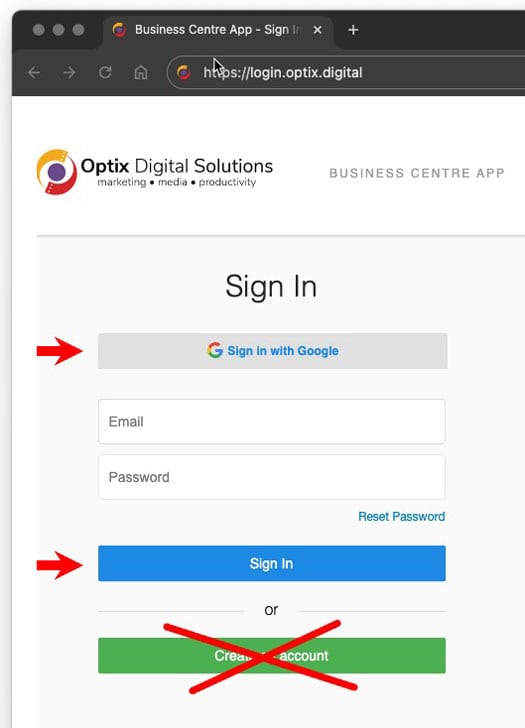
This is a brief tour of the Business Centre Dashboard. The central hub to access our other apps and services.

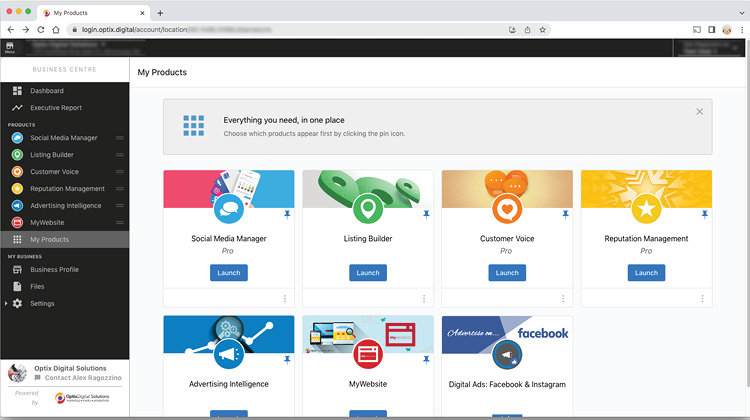
The Business Centre Dashboard
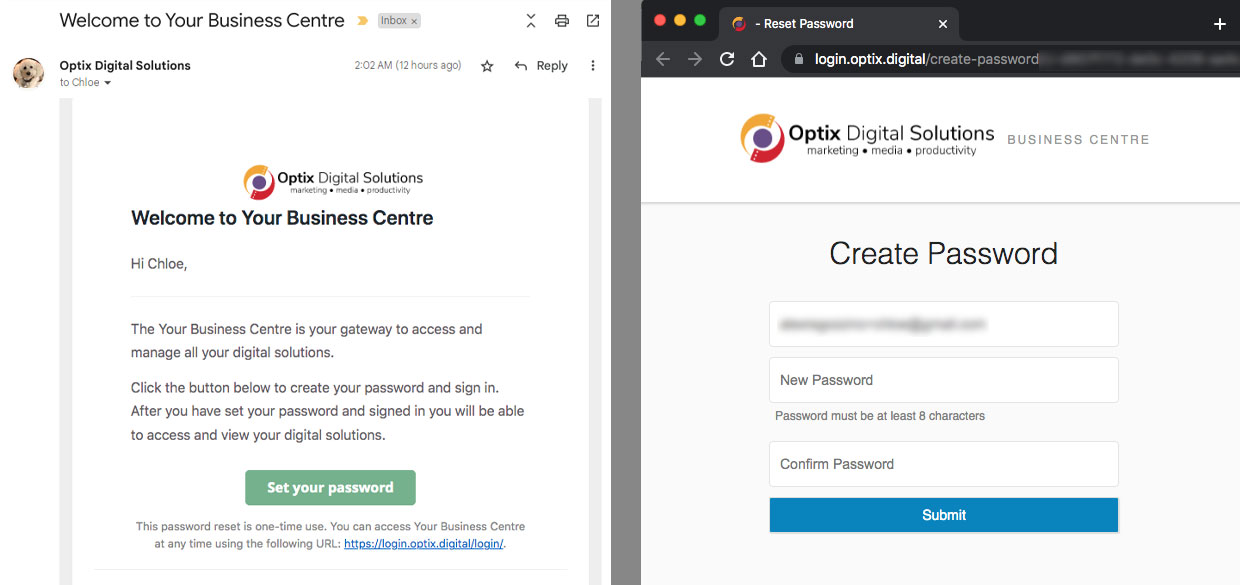
First Step: Email Invitation
Once we've created a user account for you, our platform will send you an email invitation similar to the one shown below. You will be prompted to see a password to complete the setup.
Please be sure to check your spam folder for any emails coming from @optix.digital
--------------
Below is a short (9:43) walkthrough video that demonstrates some of the applications you'll have access to.
--------------
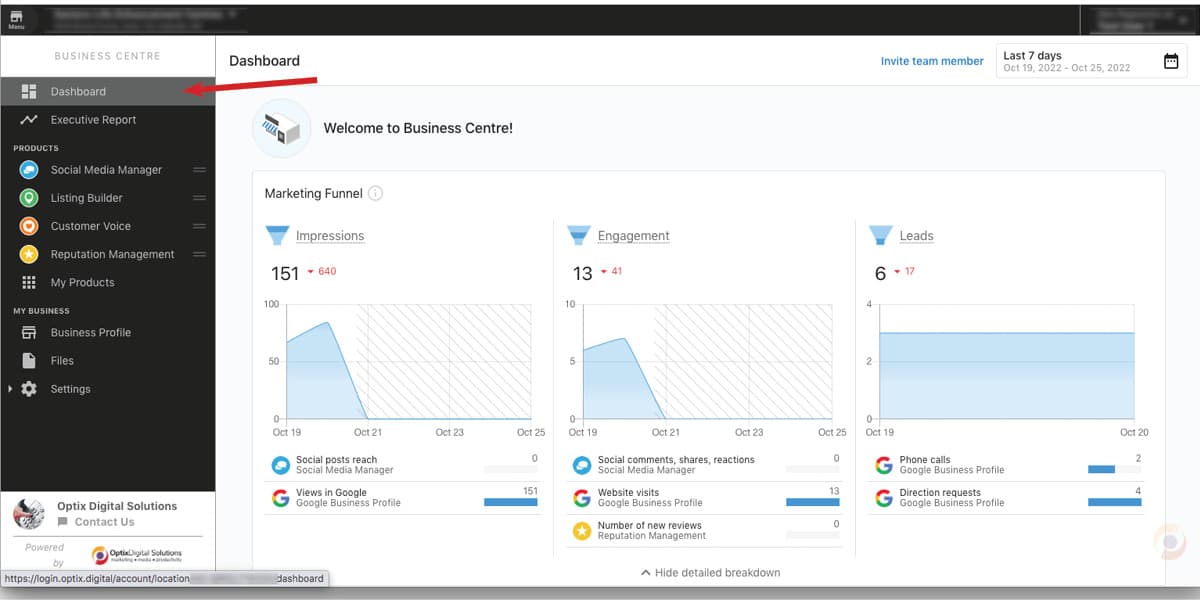
Main Dashboard
This dashboard provides you with an overview of your online activity including metrics when connecting to your Business Profile and Facebook.
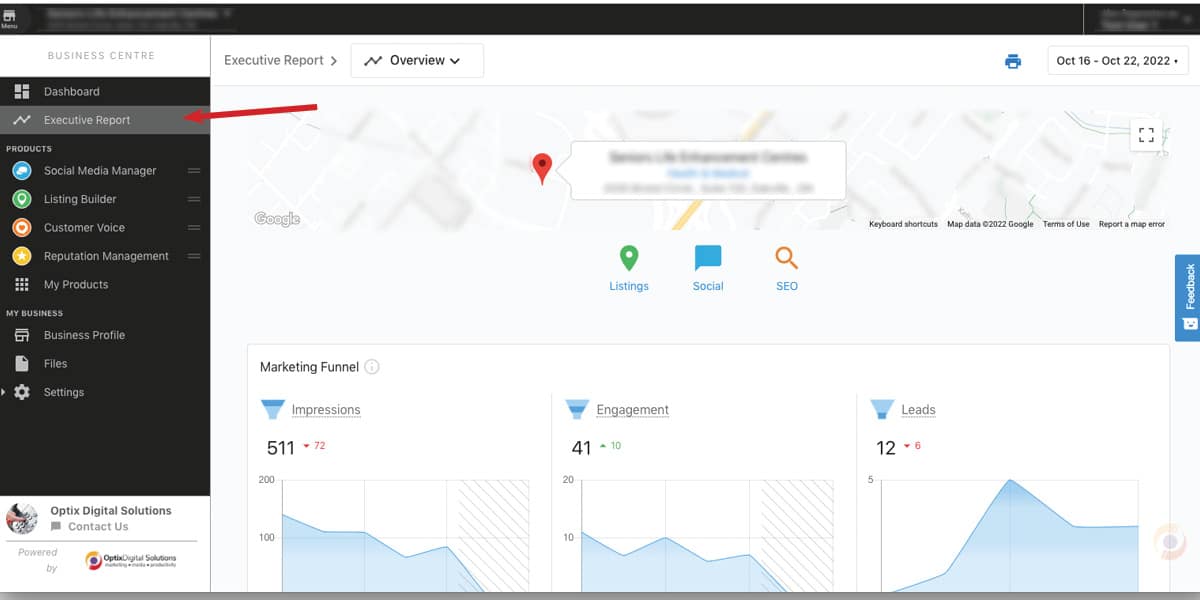
Executive Report
Executive Reports are generated weekly and can be viewed here. These reports contain activity across the various pillars of your online footprint. You are also able to download them as PDFs.
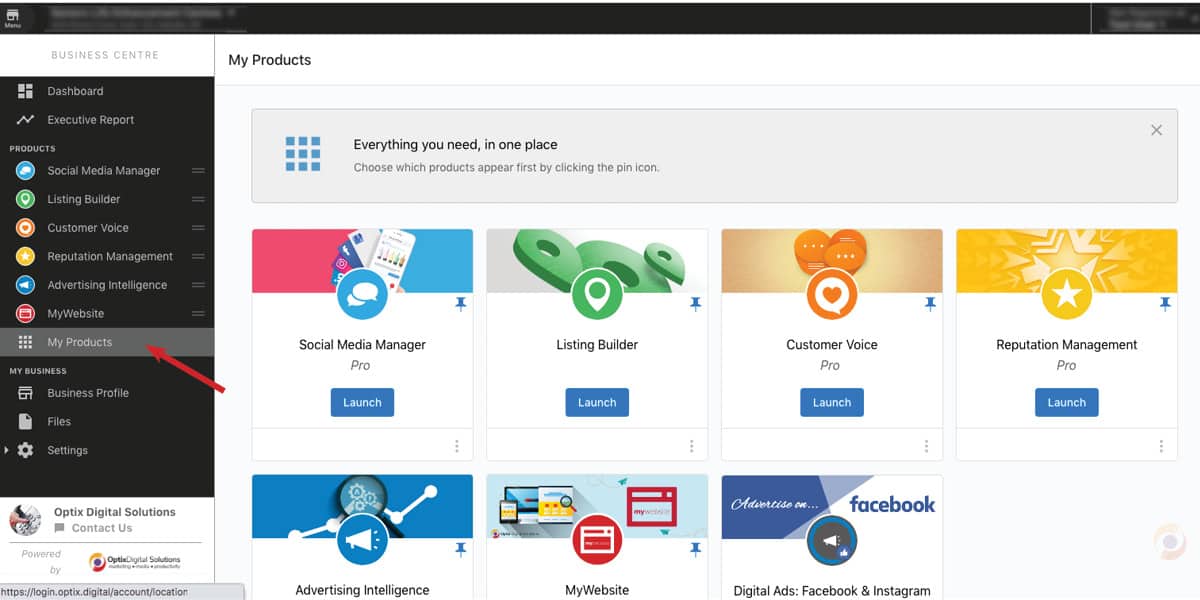
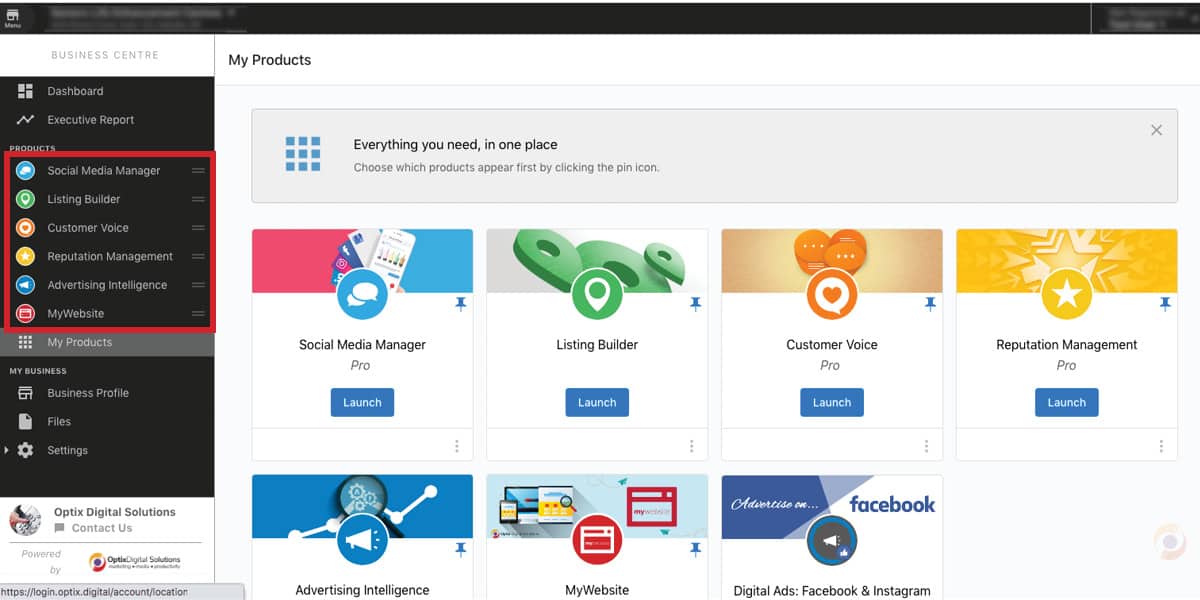
My Products
Clicking on this menu link will display widgets of all the active web applications or services we offer. From here you can either directly launch apps or be redirected to login into apps.
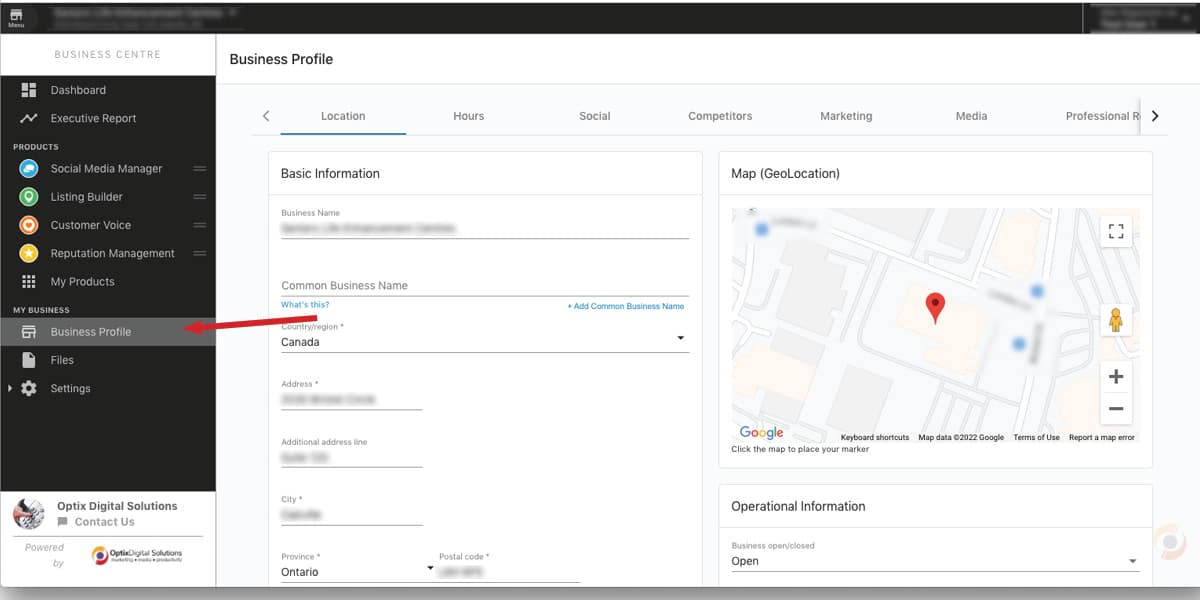
Business Profile
This menu link will take you to a form where you enter all your contact details which are used across the apps that need the details (such as Business Listings). This information is also what helps us to create snapshot reports.
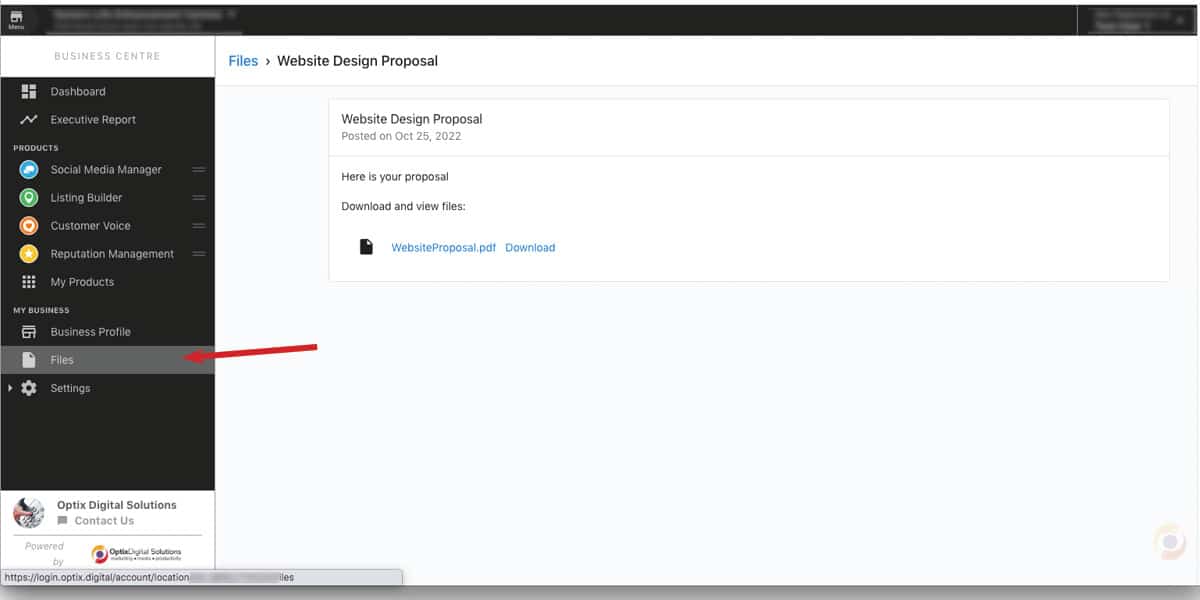
Files
From time to time we will share files (such as proposals and advertising reports). You will also be notified by email when a file has been uploaded in you Business Centre
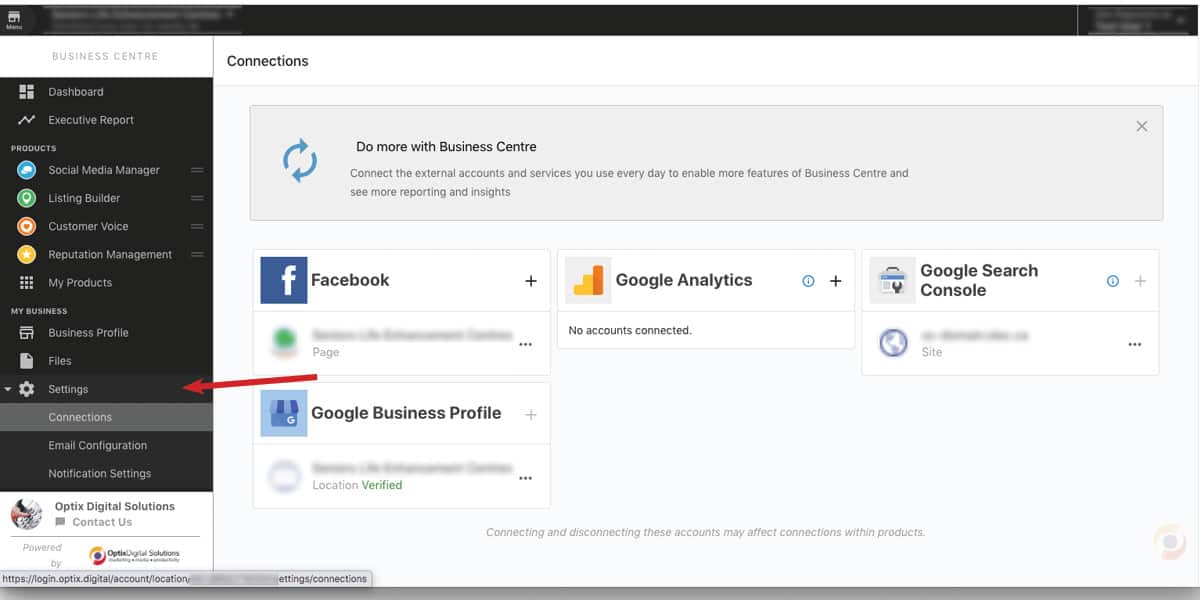
Settings
Here you will find where to connect your social accounts or other platforms to the web apps you are using. You can also adjust the type and frequency of notifications generated by the various applications.
Shortcuts
The side menu also provides a way to conveniently access your active apps without having to go to the "My Products" page.
Logging in
Bookmark this link to log in into your Business Centre Dashboard: login.optix.digital